How Long Does 3D Rendering Take? Render Time vs Project Time, Phase by Phase

Lukas Berezowiec · CEO of NoTriangle Studio
Updated · 6 minutes
Key takeaways
Render time and project time are different things: the computer renders one still in minutes to hours, while a full photoreal project runs in weeks.
- Render time
- How long the computer takes to calculate one image from a finished 3D scene
- Project time
- Everything a person does before the computer can render
- Biggest variable
- Feedback speed is the single biggest variable in the timeline.
- On schedule
- Approve the white model carefully. It is the cheapest point to change anything.
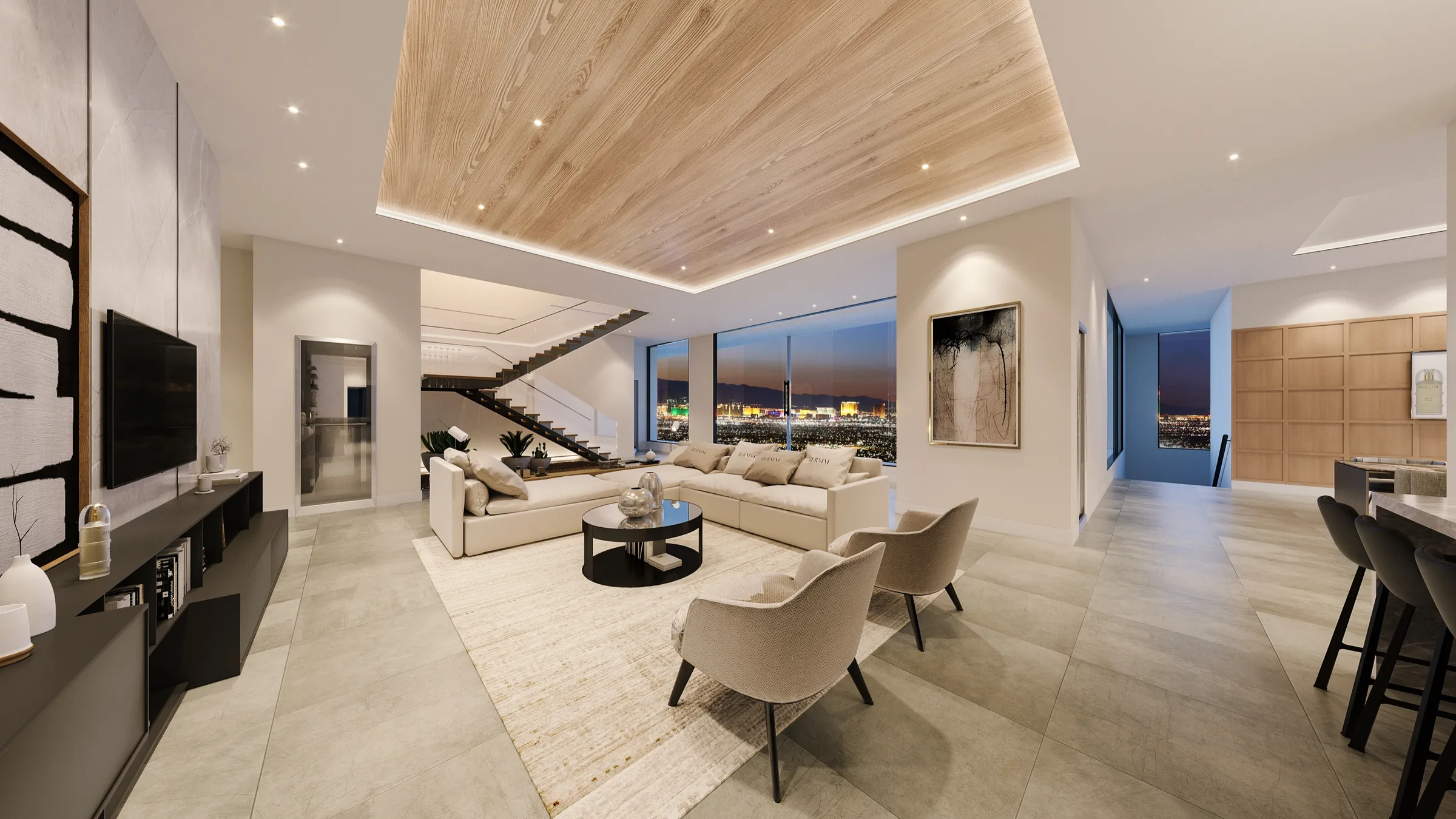
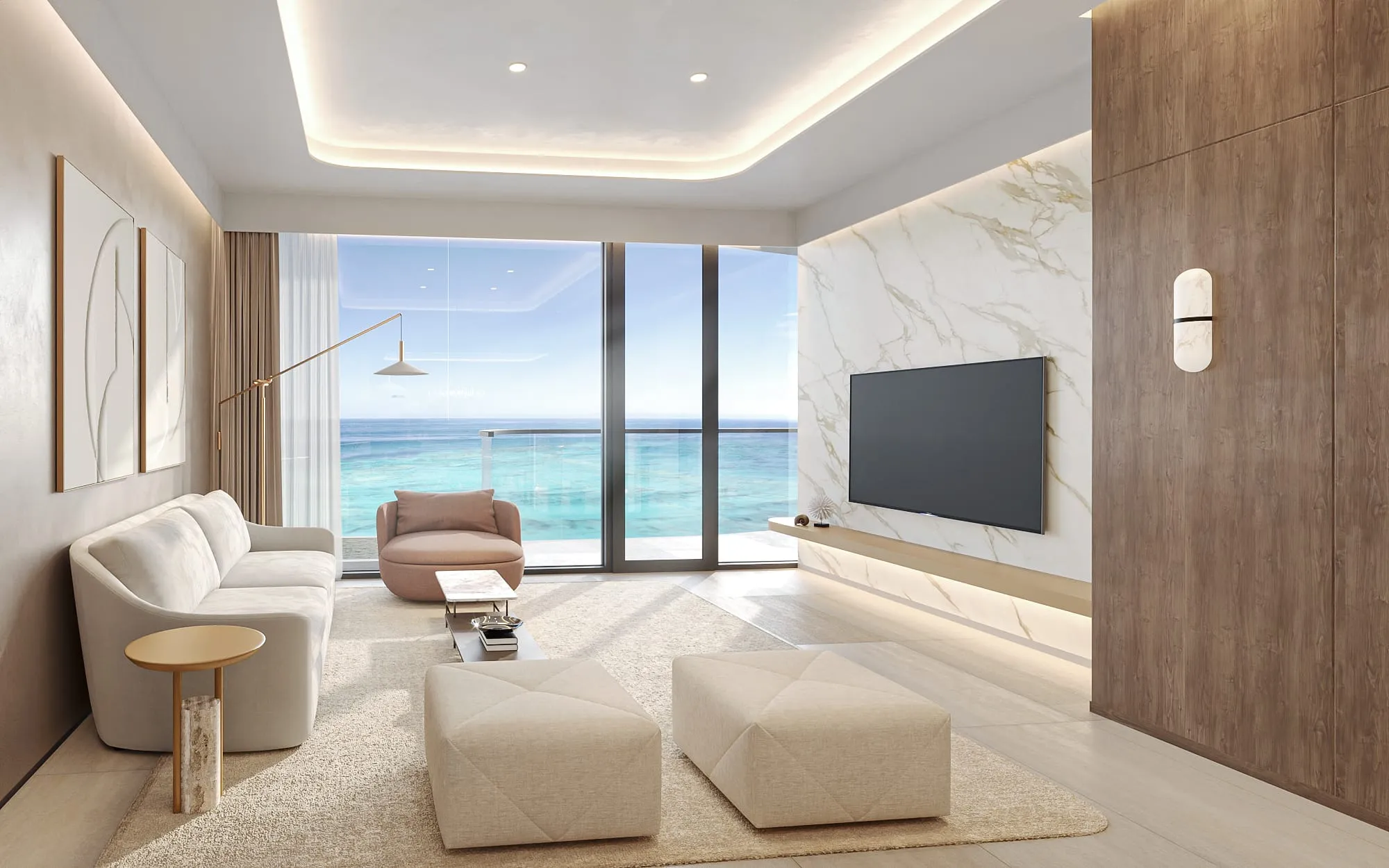
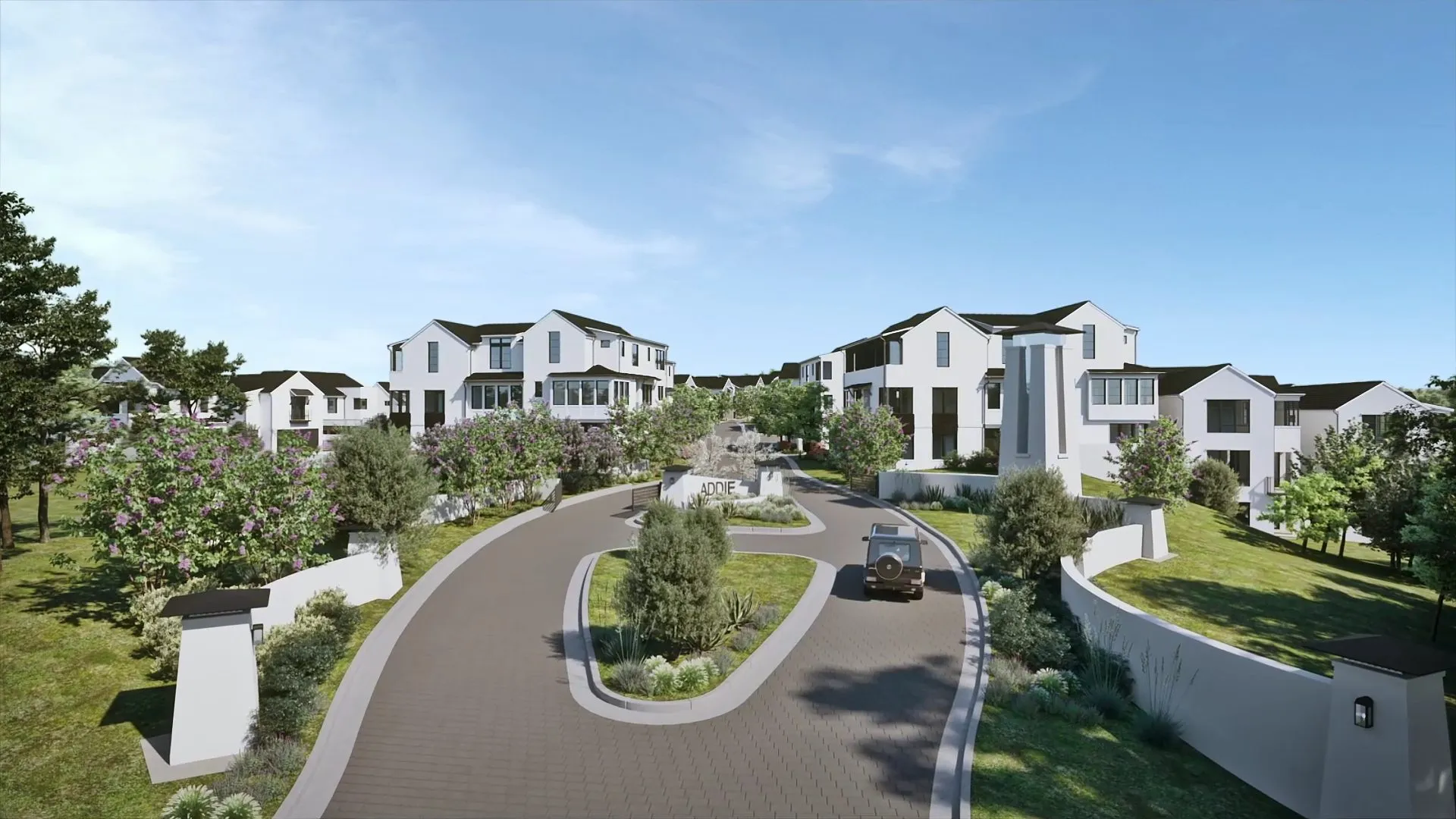
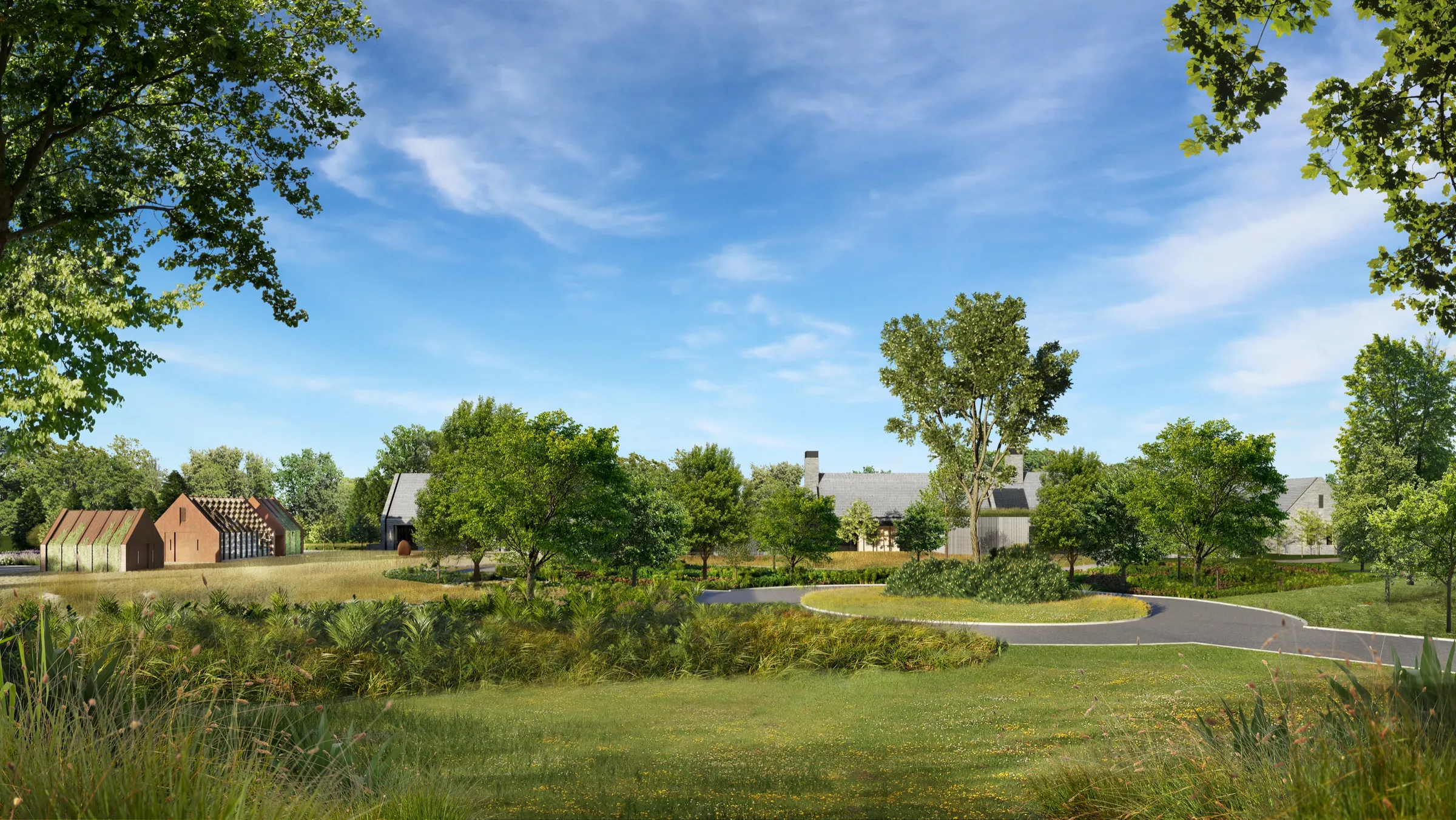
How long does 3D rendering take? The computer’s render of a single finished still takes minutes to several hours of machine time, but producing a photoreal rendering, from files to final image, is a project measured in weeks, because modeling, camera approval, feedback and lighting take far longer than the render itself. At NoTriangle Studio, it depends on the size and readiness of the project, and the schedule is confirmed in the proposal, once we understand the scope and your deadline.
We build the milestone schedule on the assumption that feedback comes back within two working days at each review point, and the timeline moves with that. Below: the phases of a rendering project, what you provide at each one, and what makes a project take longer.
Render Time vs Project Time
When people ask how long 3D rendering takes, they usually mean one of two things.
- Render time is how long the computer takes to calculate one image from a finished 3D scene. For a still, that is typically minutes to several hours, depending on resolution, lighting and scene complexity. Animation multiplies it, because every second of film is many frames. Our guide to render farms covers this side.
- Project time is everything a person does before the computer can render: reading the drawings, building the model, agreeing camera angles, applying materials and light, reviewing, revising and finishing. This is where the weeks go, and it is the number that matters when you plan a launch, a planning submission or an investor meeting.
So a quote of “a few hours per image” and a schedule of several weeks are both true. They describe different things.
How Long It Takes by Type of Project
The same phases apply to every project. What changes the length is how many images, rooms and formats the set needs. Your exact schedule is confirmed in the proposal.
| Project type | What sets the length | Compared with a few exterior stills |
|---|---|---|
| A few exterior stills of one home | Number of angles, how complete the drawings are, landscaping detail | The shortest project type |
| Exterior and interior set for one home | Interior finishes and furniture need their own selections and review | Longer: interiors add a selection step |
| Marketing set for a multi-unit building | Amenities, unit types and aerials, often several approvers | Longer: more angles and more people reviewing |
| Architectural animation | Stills come first, then camera path, keyframes, render and edit | Longest: a film stage on top of the stills |
| 3D floor plans | Number of unit types; built from the same model | Short, usually alongside the stills |
| 360 or VR tour | Number of rooms and viewpoints | Longer than stills of the same rooms |
Feedback speed moves every row more than its size does. See the phases table below for what you provide at each step.
How Long Does It Take to Render a 3D Animation?
An animation is a sequence of frames, usually 24 to 30 for every second of film, so a 60-second film is 1,440 to 1,800 rendered images. Each frame can take minutes or longer to render, which is why animation render time is counted in render-farm hours or days, not minutes. Production time comes on top: the still renderings are made and approved first, then the camera path and keyframes, then the render and the edit. The full schedule is confirmed in the proposal.
The Phases of a Rendering Project, and What You Provide at Each
Every NoTriangle project runs the same stages in the same order. The table groups them into five phases. The full sequence, and why the order matters, is in our architectural visualization process guide.
| Phase | What happens | What you provide | What moves the date |
|---|---|---|---|
| 1. Brief and files | Analysis of the project, the buyer and the market; file review for gaps and conflicts; moodboard to fix the look | Drawings (CAD, Revit, SketchUp or PDF), elevations, material and finish schedule, site photos, references, the goal of the images and your deadline | Missing or conflicting files; a design that is still changing |
| 2. White model | Every camera angle rendered as clean, untextured geometry so you approve composition, framing and camera height | One consolidated set of comments on the angles | Late comments; new angles added after approval |
| 3. Feedback rounds | Comments applied at each review point, first on the white model, then on the photoreal drafts | Feedback within two working days, through one channel | Scattered notes from several people; slow replies |
| 4. Photoreal | Materials, lighting, landscaping, furniture and atmosphere applied to the approved angles | Final finish selections, furniture or styling direction, any brand guidelines | Finishes chosen late; design changes after the white model is approved |
| 5. Post and delivery | Retouching, color grading and final checks; files exported in the sizes you need | Final sign-off; the formats you need (print, web, social, listing sites) | Late requests for extra formats or new views |
Revision rounds are included with every project, and the exact number is confirmed in the proposal. For what to send before phase 1, see files needed for 3D rendering.
What Makes a Rendering Project Take Longer
The render itself is rarely the reason a project runs long. These are:
- An unfinished design. If the plans are still changing, the model changes with them. Design alignment at the start catches conflicts early, but every design change after the white model is approved means reworking the most expensive part of the image.
- Slow feedback. Feedback speed is the single biggest variable in the timeline. The schedule assumes two working days per review point; each extra day moves the dates.
- Fragmented comments. Notes arriving from the architect, the developer, the agency and the capital partner at different times collide and contradict. One consolidated round per stage keeps a project on its dates.
- Changes after approval. A new camera angle or a layout change after the white model is signed off is a redesign, not a revision, and it adds time.
- Extra views and moods added mid-project. A twilight version, lifestyle people, seasonal variants or new interiors each add work. Planned at the start, they fit the schedule; added late, they extend it.
- Custom elements. Custom-modeled furniture, bespoke landscaping or detailed surroundings take longer than library assets, and are often what separates an editorial image from a listing photo.
- Animation. Stills come first and are included, because they lock the design and the look before it goes into motion. The animation is produced after the stills are approved, so it adds time on top of them.
- A model that needs rebuilding. Your 3D model can help, but a model built for construction documents often needs cleanup or rebuilding before it can be rendered well.
How to Keep Your Project on Schedule
- Send complete files at the start, with the finish schedule, even if some finishes are still options.
- Name one person to collect and send feedback.
- Book review time in your calendar for each review point, two working days each.
- Agree the full list of views, moods and formats before the white model.
- Approve the white model carefully. It is the cheapest point to change anything.
- Tell us the real deadline on the first call, and the event behind it (launch, planning hearing, investor meeting), so the milestone schedule is built backward from it.
The schedule is confirmed in the proposal, once we understand the scope and your deadline. Book a call or read the answers to common questions first.
About NoTriangle Studio
NoTriangle Studio is a senior-led boutique visualization partner for luxury real estate developers, architects and agents. Founded in 2014, it is headquartered in the San Francisco Bay Area (Fremont, California), with its in-house production team based in Brazil, and works with clients across the US, Canada and the Caribbean. See the process or recent work.
FAQs
How long does it take to render one 3D image?+
The computer render of a single still usually takes minutes to several hours, depending on resolution, lighting and scene complexity. The full production of that image, from files and modeling through camera approval, lighting and revisions, takes much longer, which is why rendering studios plan projects in weeks rather than hours.
Why does a rendering project take weeks if the computer renders in hours?+
Because most of the work happens before the render. The model has to be built from the drawings, every camera angle approved as a white model, materials and lighting applied, and each review round incorporated. Those steps depend on people and on your feedback, not on computing power.
What slows a 3D rendering project down the most?+
Feedback. It is the single biggest variable in the timeline. Schedules are built on feedback coming back within two working days at each review point, through one channel. Late, scattered or contradictory comments add rounds and move the delivery date more than any technical factor.
Can rendering start before the design is final?+
Yes. The file review at the start flags what is missing or conflicting, and the work can begin from partial files. Expect the timeline to follow the design, though: changes made after the white model is approved mean reworking the costliest part of the image.
Does an animation take longer than still renderings?+
Yes. The still renderings are produced first and included, because they lock the design, angles and look while changes are still inexpensive. The animation is built after the stills are approved, so it adds its own production and review time on top of the stills. The full schedule is confirmed in the proposal.
How long does it take to render a 3D animation?+
An animation is a sequence of frames, usually 24 to 30 for every second of film, so a 60-second film is 1,440 to 1,800 rendered images. Each frame can take minutes or longer to render, which is why animation render time is counted in render-farm hours or days, not minutes. Production time comes on top: the still renderings are made and approved first, then the camera path and keyframes, then the render and the edit. The full schedule is confirmed in the proposal.