

From a Concept or AI Image to an Accurate Render

Rodolpho Reis · Art Director at NoTriangle Studio
Updated · 8 minutes
Key takeaways
An AI image or a concept is a reference, not a render, and the work is not to clean it up. It is to rebuild what it is pointing at, accurately.
- Start
- Handing a studio an AI mockup is a legitimate, useful way to brief a project.
- The limit
- An AI picture is pixels, not a building.
- Our method
- Keep the intent, rebuild it accurately.
- Corrections
- We correct the AI's mistakes, not copy them.
Yes, a studio can turn an AI image or a concept sketch into an accurate render, but not by cleaning up the picture. An AI image is pixels, with no real geometry, scale, or materials. We read its mood, light, and palette, then model the real design to scale and correct what the AI got wrong.
More and more of our projects now begin the same way: a client sends over an image they made with an AI tool, or a rough concept sketch, and asks us to bring it to life as a real render. It is a good instinct. A picture communicates a look and a feeling more clearly than a paragraph, and we welcome it as a starting point. What we always explain next is the important part. An AI image or a concept is a reference, not a render, and the work is not to clean it up. It is to rebuild what it is pointing at, accurately.
Below is why an AI image cannot simply be polished into a finished render, what we actually do with one, and how we hold on to the intent while making the result true to the real design.
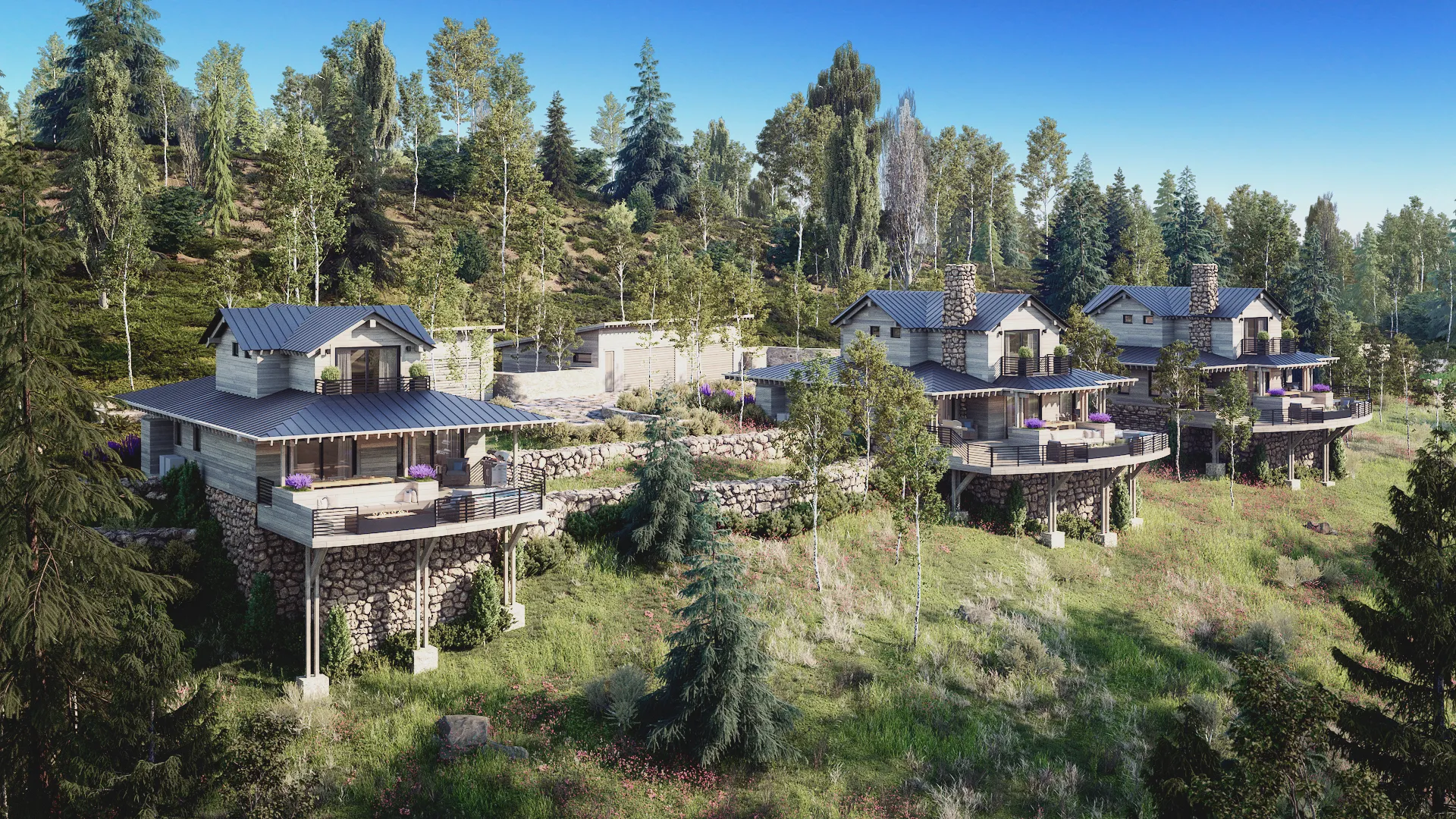
Yes, Start from a Concept or AI Image
Handing a studio an AI mockup is a legitimate, useful way to brief a project, and clients say so in exactly those terms. One developer wrote that they had put together a few AI-generated mockups to help communicate the intended look and direction, and were looking forward to having us bring them to life with high-quality renders. That is the right framing. The AI image carries the mood, the palette, the general feeling the client is chasing, and it gets everyone aligned on direction more clearly than words alone. We take that reference gladly, and it genuinely helps.
It has become common enough that we treat it as a normal path in, not an oddity. On more than one project we have suggested it ourselves, telling a new client that a previous one had sent AI-generated mockups to illustrate the style they had in mind, and that it might be a nice way to show us where they wanted to go. Whether the concept starts as an AI image, a hand sketch, or a page torn from a magazine, the role it plays is the same: it points at the destination. Getting there accurately is our job.
Why an AI Image Cannot Just Be Cleaned Up
The reason we cannot simply retouch an AI image into a finished render is that there is nothing underneath it. An AI picture is pixels, not a building. It has no real geometry, no true scale, no accurate materials, and no relationship to your actual site or plans. It also carries errors that look convincing until you examine them. One client who briefed us with AI images said it best himself: the tool puts things in odd places, a window might sit somewhere strange, and the images look great at first, but look harder and you start to see the little things that are off. He also flagged that the tool kept getting the scale wrong, in his case the size of a door relative to the rest of the house. Those are not blemishes to paint over. They are signs that the image was never built to be correct in the first place.
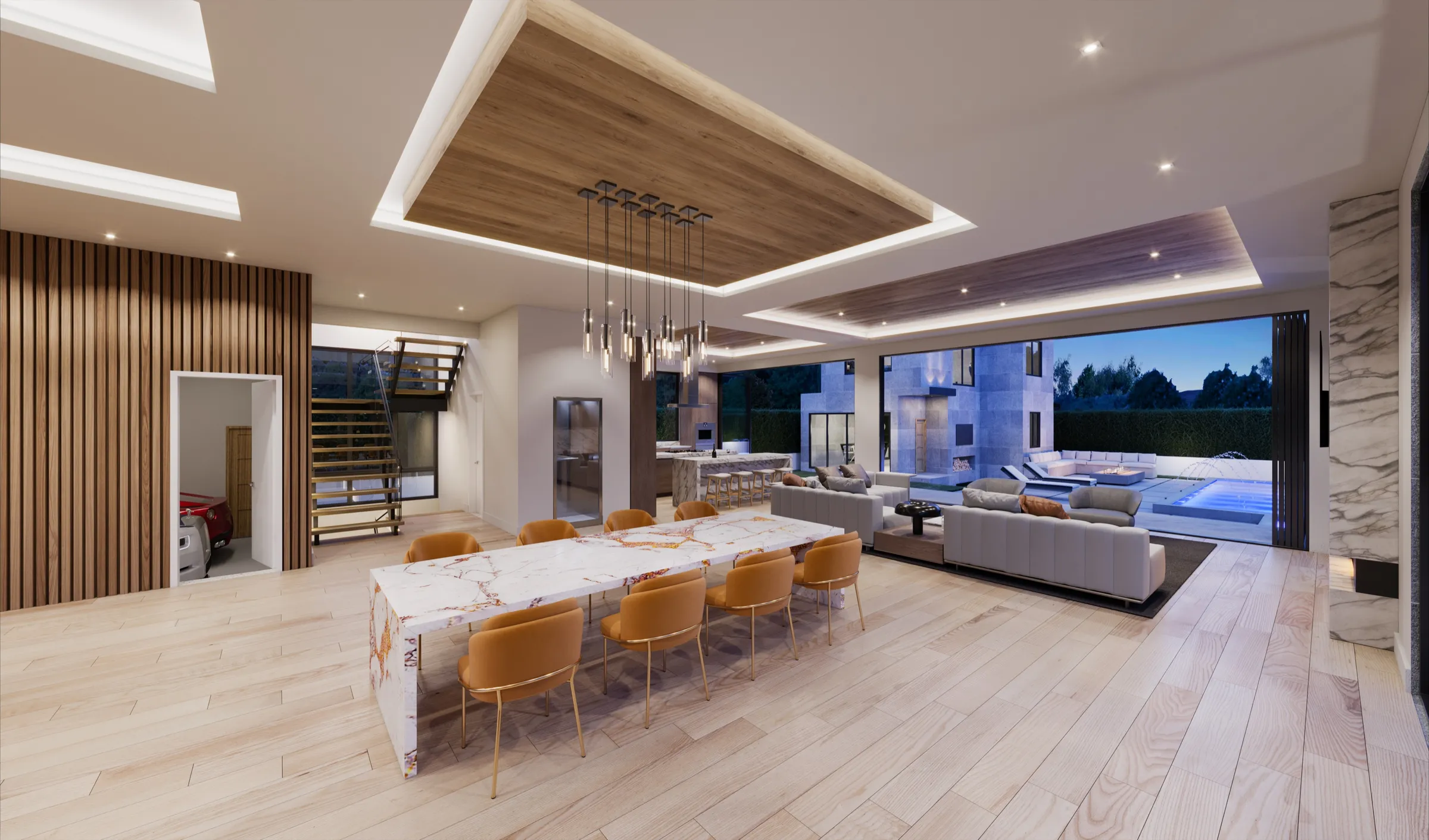
This is exactly where an AI image and a professional render part ways. A render has to be accurate: correct proportions, real materials, the actual windows and doors in the actual places, matched to a site a buyer can stand on. An AI image only has to look plausible. Trying to finish an AI picture as if it were a render would mean baking its mistakes into the marketing, which is the opposite of what the imagery is for.
AI Image vs Studio Render, Side by Side
| AI image or concept | Studio render | |
|---|---|---|
| What it is | A picture of an idea | A view of a 3D model of the real design |
| Geometry and scale | Approximate; doors, windows, and proportions drift | Built to scale from plans and measured dimensions |
| Materials | Suggested by the image | The specified materials and finishes |
| Site | Generic or invented | The actual site and its views |
| Errors | Convincing until examined | Caught and corrected in review |
| Changes | Regenerated, hard to control precisely | Camera, light, and materials adjusted precisely |
| Best use | Briefing mood and direction | Marketing, approvals, sales |
What We Do: Keep the Intent, Rebuild It Accurately
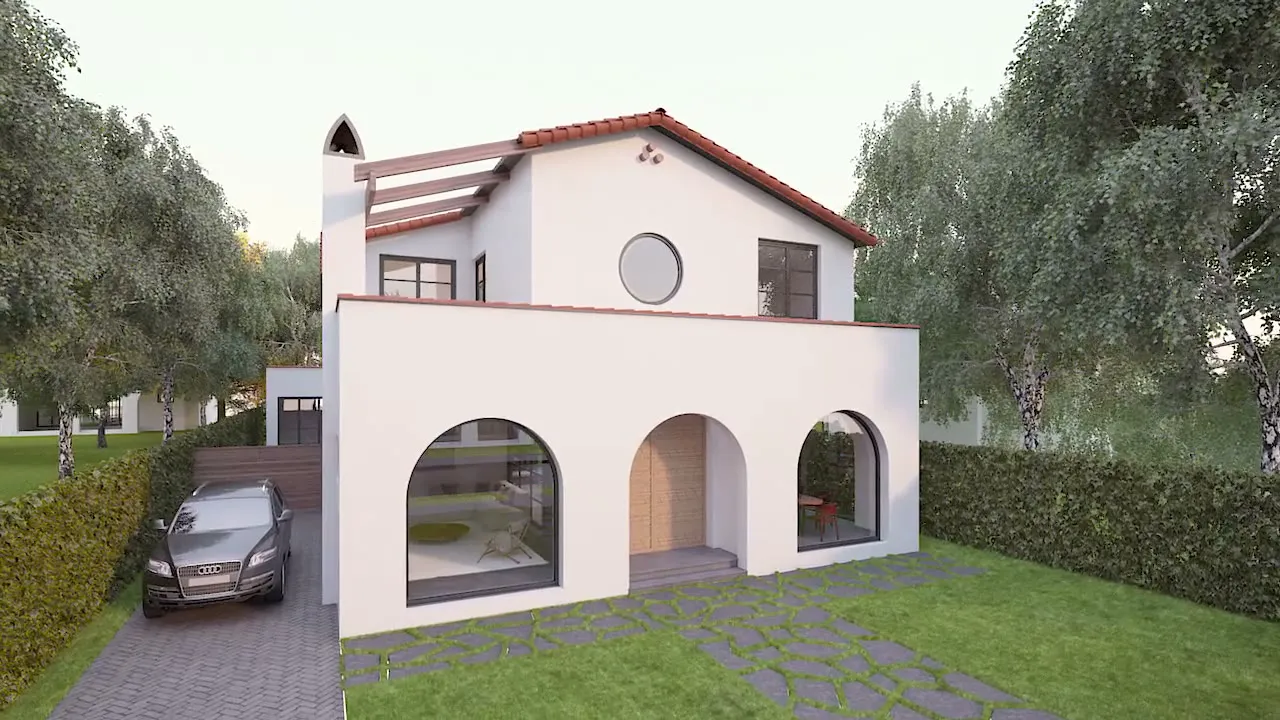
So we use the concept for what it is good at, direction, and rebuild everything that has to be true. We read the intent out of the image, the mood, the light, the general look, and then model the real design to scale, apply the real materials, and place it in its real setting. We are explicit with clients about this hand-off. On one project, our team explained that the early lighting references had been AI-generated as a study to establish the overall direction and mood, that details like geometry, materials, windows, doors, and landscaping might not fully align with the model at that stage, and that all of it would be accurately developed in the color renderings that followed. The client wanted the same thing we did, telling us to be as accurate as possible and to replicate the real features of the property faithfully. The concept sets the tone; the model makes it real.
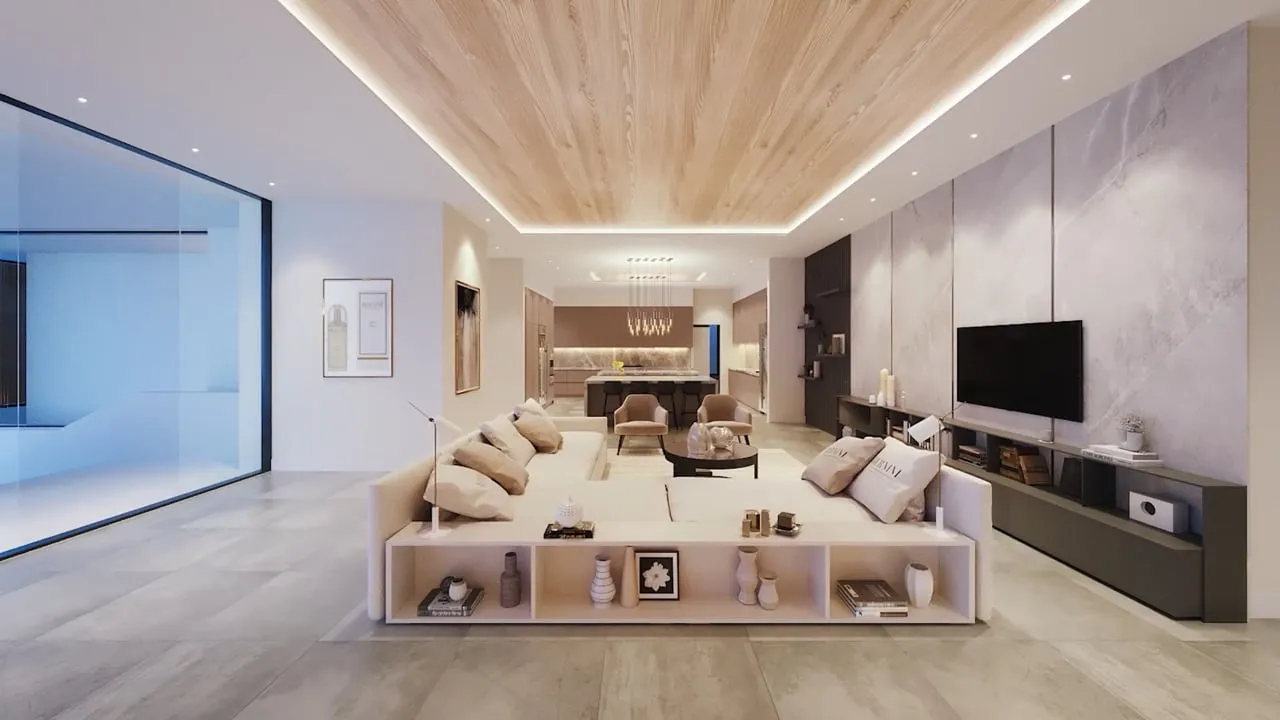
We Correct the AI’s Mistakes, Not Copy Them
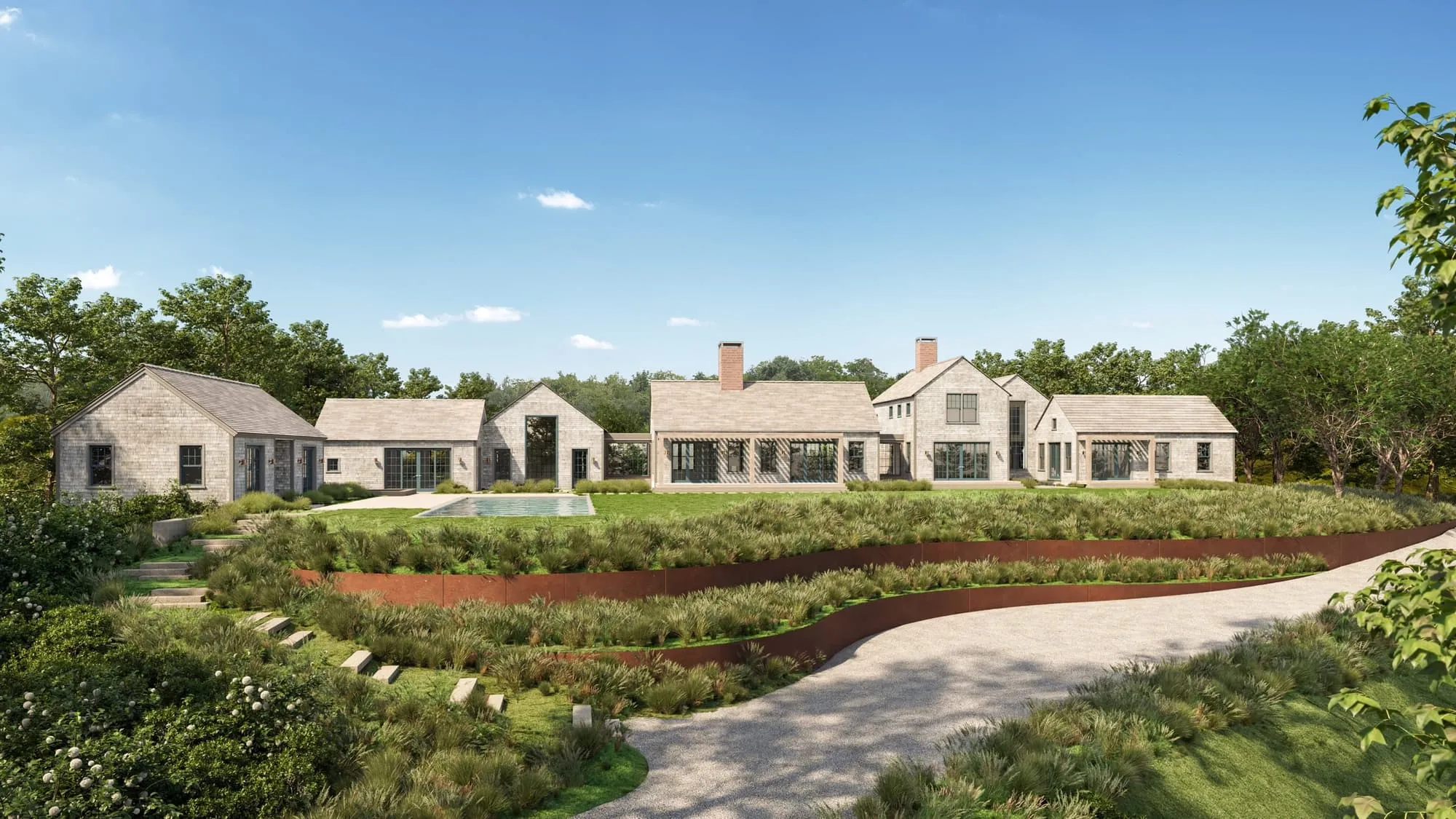
The discipline that matters most is knowing when an AI artifact should be ignored rather than reproduced. On one home, a wall texture from the client’s AI concept had come through speckled and blotchy, and the client rightly asked us to correct it rather than carry that noise into the render. Throughout the review, the client kept naming the gap himself, noting that his AI image was going to be a little inaccurate, or that a strange detail was probably just an AI mistake, while we worked from the correct measured dimensions instead. That is the whole craft of this: treat the concept as a guide to intent, and quietly fix everything the AI got wrong on the way to an accurate image, rather than faithfully copying its errors.
A hand-drawn concept works the same way. A sketch shows what the client is imagining, and we build the accurate, buildable version of it. The medium of the reference does not change the method. Whatever you bring, the deliverable is a render that is true to the real thing.
Bringing This to Your Project
If you have an AI image or a concept that captures what you are after, send it. It is one of the clearest ways to get us aligned on direction. Just hold the right expectation: we will use it to understand your intent, and then build the accurate, to-scale, buildable render underneath it, correcting whatever the concept got wrong rather than reproducing it. That is the difference between a picture that looks good and one that is true to what you are actually selling. If you have an AI image or sketch that captures what you want, Book a call and send it with your plans; we will tell you what it gets right and what we will build differently.
For more on how we use AI and where accuracy comes in, read AI for architects, or see where this sits in our visualization process.
FAQs
Can you turn an AI-generated image into a real rendering?+
Yes, as a reference. We read the mood, light, palette, and general look from the AI image, then build the real design to scale from your plans, with real materials and the real site. The AI image itself is not retouched, because there is no geometry or scale underneath it to fix.
Why can't a studio just clean up an AI image?+
An AI image is pixels, not a building. It has no true dimensions, and it often puts windows in odd places or gets the size of a door wrong. Polishing it would bake those mistakes into your marketing. A professional render has to match what will be built, so it has to come from a model of the real design.
What should I send along with an AI concept image?+
The plans or design files, any measured dimensions, the materials you intend to use, and a note on what you like about the AI image: the light, the mood, the palette. That lets us keep the intent and build everything else accurately. If something in the AI image is a mistake, tell us and we will leave it out.
Does a hand sketch work the same way as an AI image?+
Yes. A sketch, an AI image, or a page from a magazine all play the same role: they point at the destination. The deliverable is always an accurate, to-scale render of the real design, built from a model, with the reference used for direction rather than copied.