Matching a Specific Manufacturer's Material or Finish in 3D

Lukas Berezowiec · CEO of NoTriangle Studio
Updated · 5 minutes
Key takeaways
When a design specifies an exact product, the rendering has to show that, not something close to it.
- Library
- Most specified products are already available in our library of models and materials.
- Exact finishes
- We tune the material to match rather than settling for a near miss.
- Custom pieces
- When a piece is not in any library, we build it in 3D from scratch.
- What to send
- The item name, model, and manufacturer, plus samples, spec sheets, or supplier links.
When a design specifies an exact product, a particular stone, a named metal panel, a specific appliance, the rendering has to show that, not something close to it. A buyer or an approval board comparing the image to the spec will notice the difference, and an inaccurate finish quietly undermines trust in the whole image.
Here is how a specific manufacturer’s material or finish gets matched accurately in 3D, and what we need from you to do it.
Most Specified Products Are Already Available
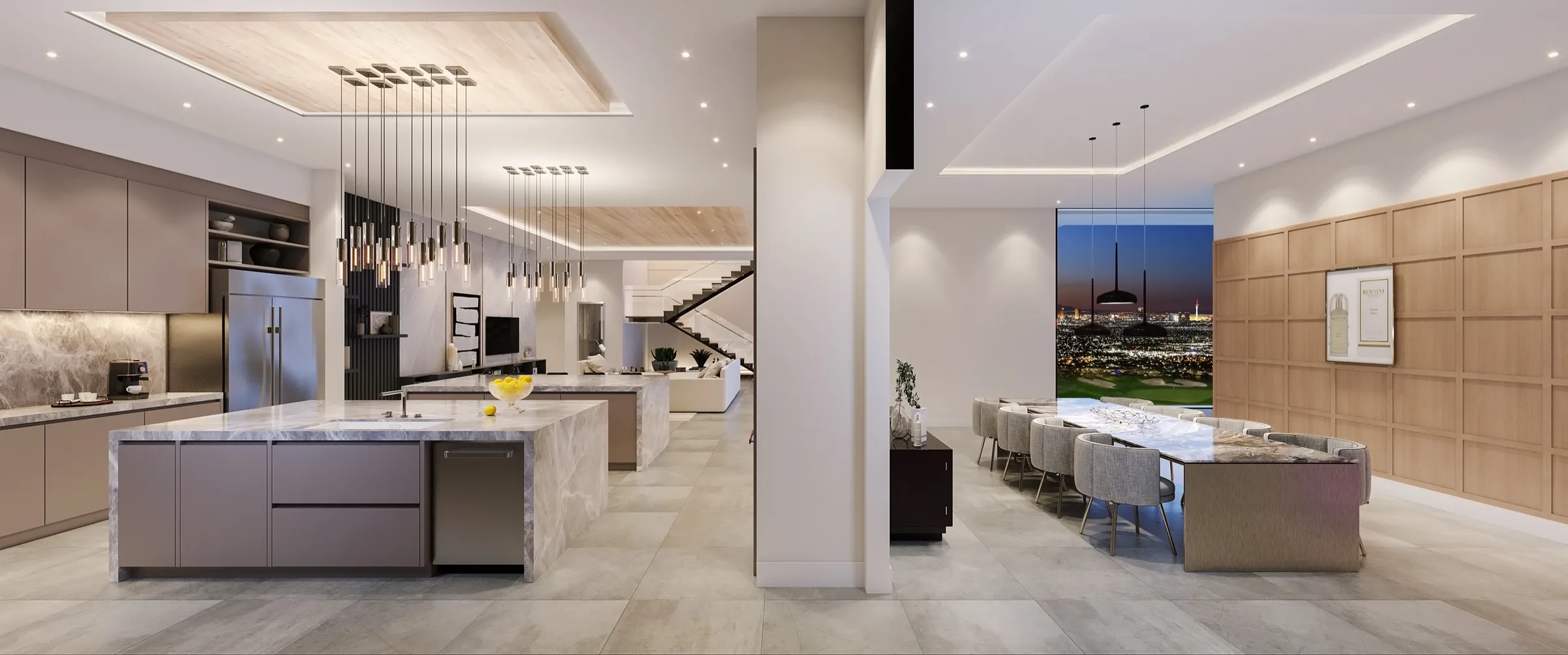
We maintain a library of tens of thousands of models and materials, so a large share of specified products are already on hand or close to it. For common finishes and fixtures, matching the spec is a matter of selecting the right asset and placing it correctly in the scene.
That covers a lot of a typical project. The work that needs more attention is the handful of items that are unusual, brand-specific, or where the exact colour has to be precise.
Tuning an Exact Colour or Finish
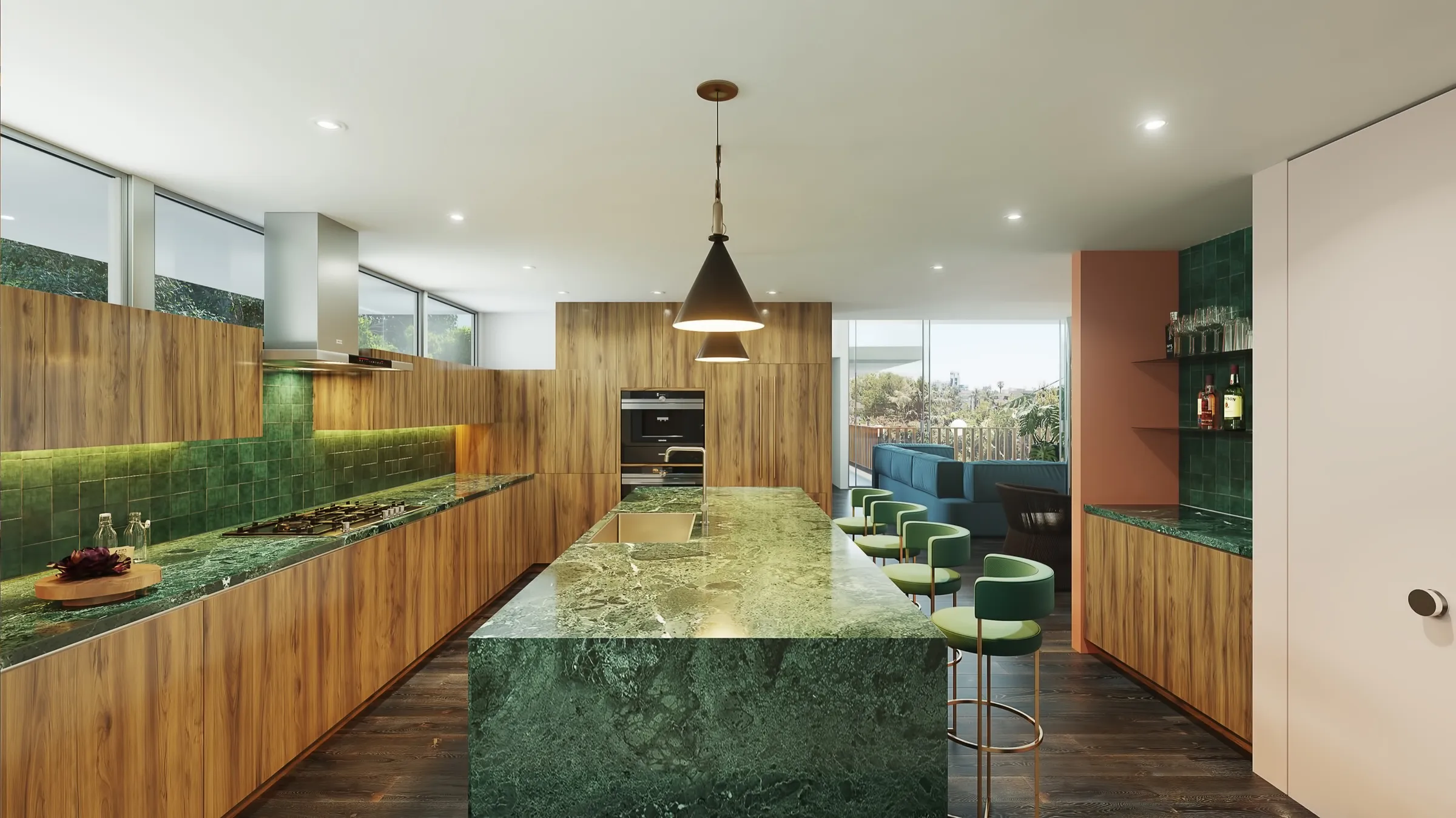
When a finish needs to be exact, a particular metal panel, a specific stone, an exact paint colour, we tune the material to match rather than settling for a near miss. The closer the reference you provide, the more precise the result, which is why physical samples, spec sheets, and supplier links are so useful.
Confirming these at the moodboard stage, before rendering begins, is how we avoid corrections later. A material agreed up front is a material that does not need re-doing at the revision stage.
Custom-Modeling a Specific Piece
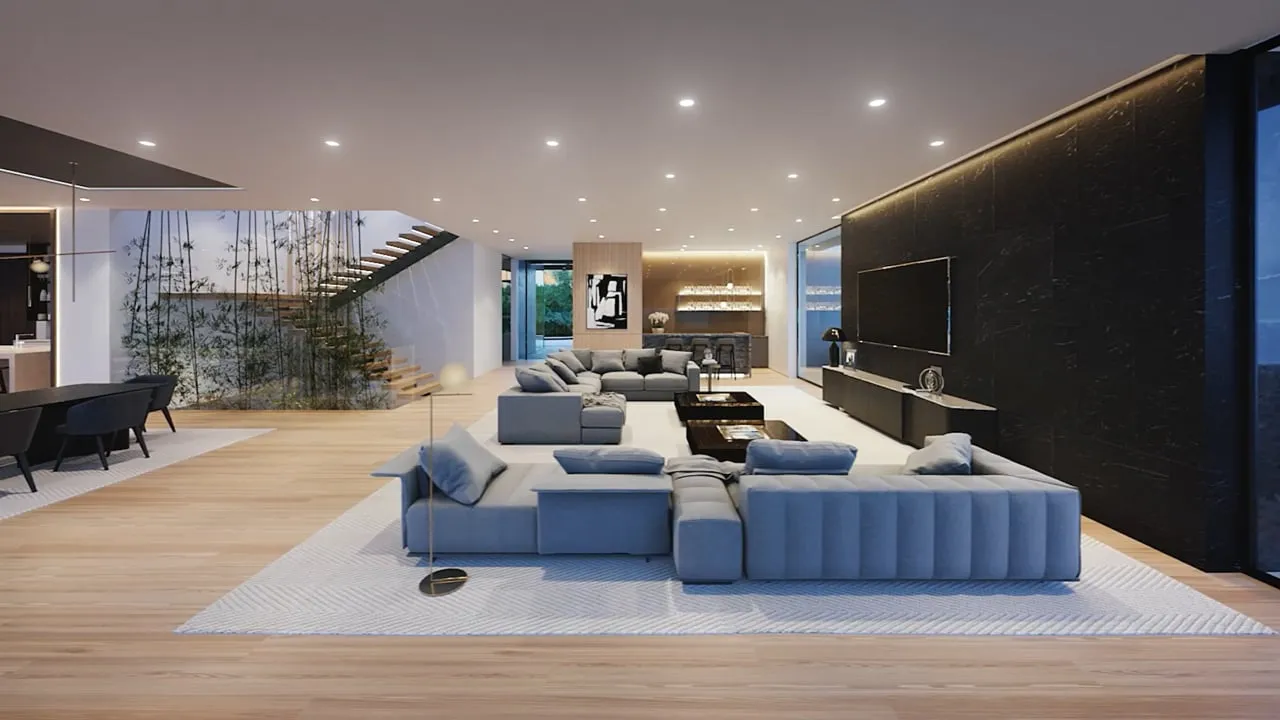
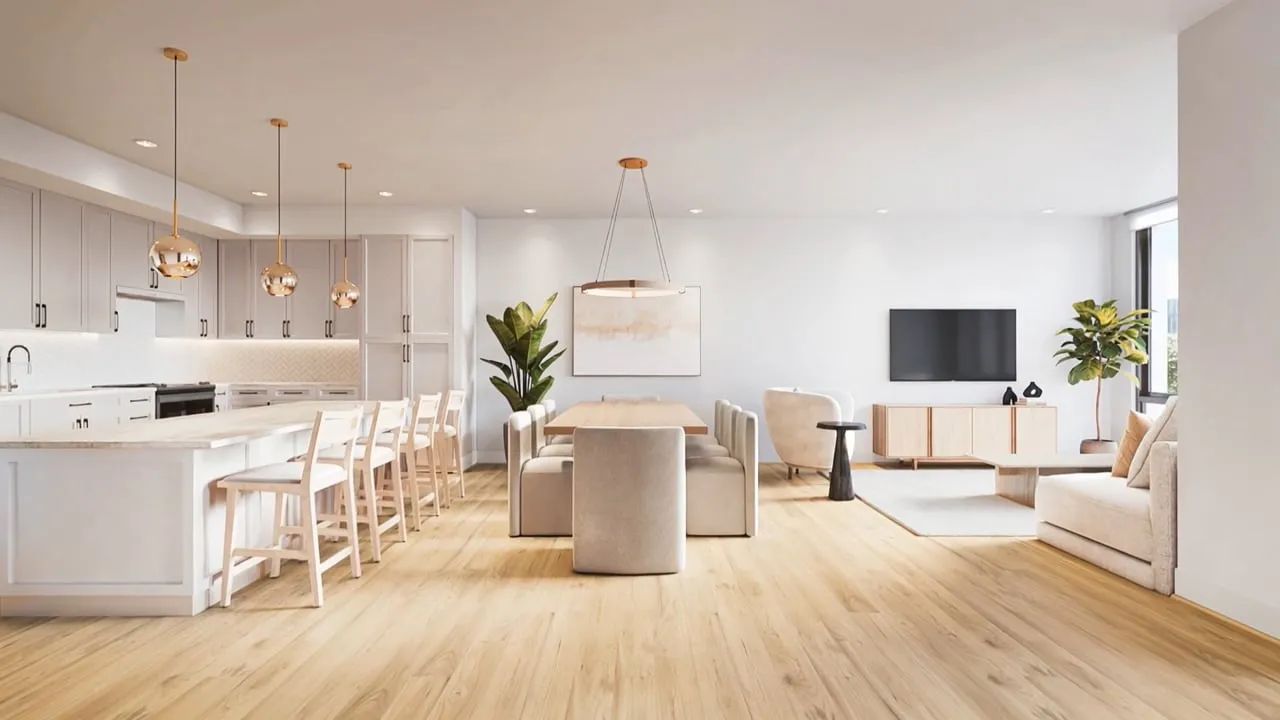
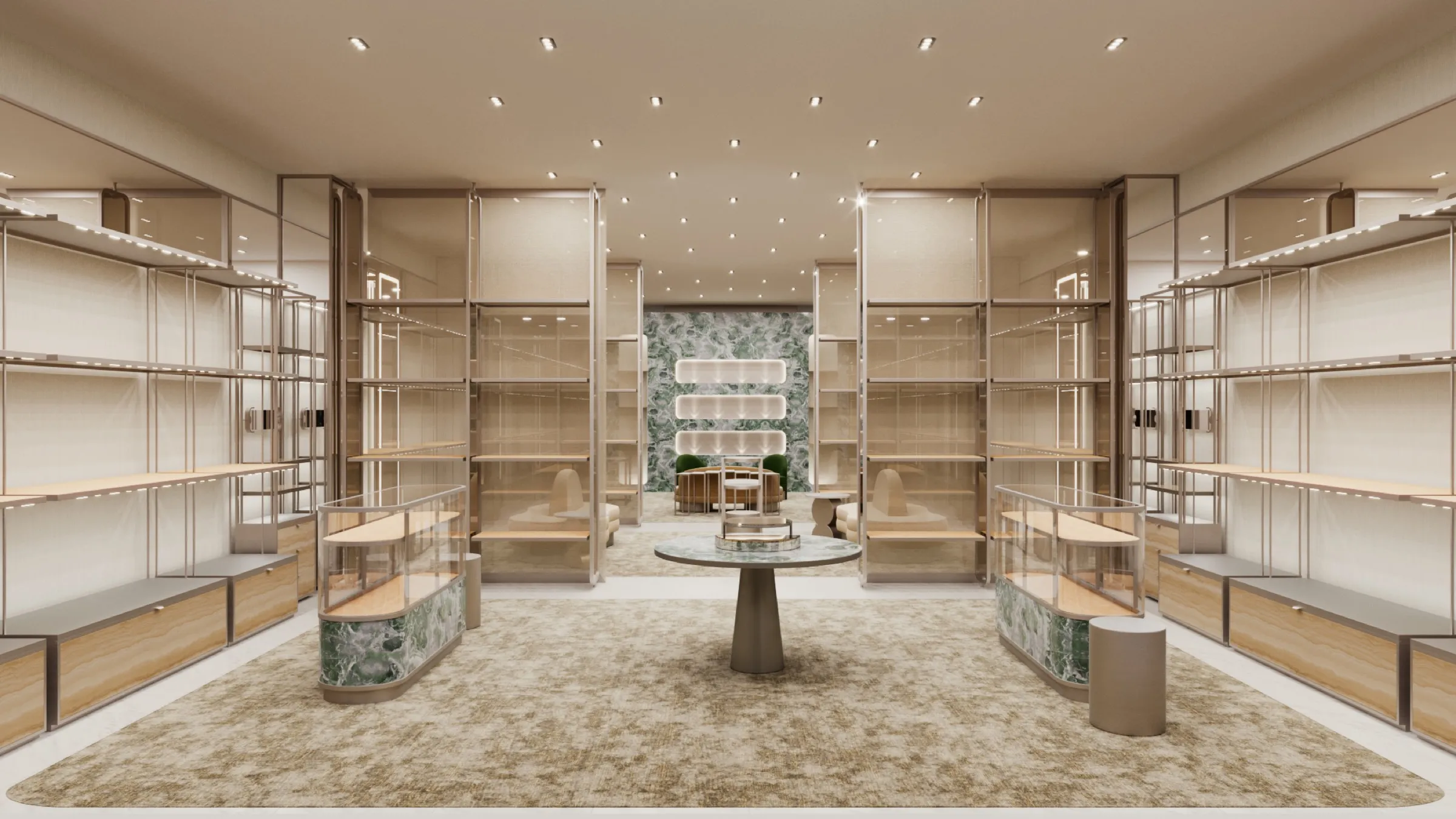
Sometimes the design calls for a specific piece that is not in any library, a particular light fixture, a branded appliance, a bespoke item. In that case we build it in 3D from scratch, so the rendering shows the real piece rather than a stand-in. This is standard in premium work, where furniture and fixtures are custom-modeled to spec across a set of interior renderings.
What We Need from You
To match or build a specific item accurately, we need enough information to identify it exactly: the item name, model, and manufacturer, or links and brochures for it. For materials, the closer the reference the better, a physical sample, a spec sheet, or a supplier page rather than a screenshot.
With that in hand, the result matches the real product instead of approximating it. Without it, we can only get close, which is usually not what a specified design needs. More on what to send is in our guide to the files needed to start a project.
FAQs
Can you match a specific manufacturer's material or finish?+
Yes. Most specified products are already in our library, and where a finish needs adjusting, such as an exact colour or a particular panel, we tune it to match.
Can you build an exact product that isn't in any library?+
Yes. Give us the model and manufacturer and we create that exact item in 3D rather than using a stand-in.
What do you need to match a finish exactly?+
The closer the reference the better: physical samples, spec sheets, or supplier links. For a specific piece, the item name, model, and manufacturer, or links and brochures.
When should materials be confirmed?+
At the moodboard stage, before rendering begins, which is how corrections later in the process are avoided.