Skip to content
3D condo and townhouse rendering packages are essential tools for developers who want to succeed in pre-construction sales. These packages help communicate design, context, and lifestyle long before a single shovel goes in the ground. Whether it’s a small townhouse cluster or a large condominium community, a well-structured visualization strategy makes sales, approvals, and marketing viable from day one.
This guide explains what developers need, how visualization packages are structured, and why they matter for multi-unit projects.
Key Takeaways
- Townhouse and condo developments require a structured visualization package, not isolated images.
- Developers use 3D renderings to support pre-construction sales, approvals, and buyer confidence.
- Effective packages combine exterior visuals, interiors, amenities, floor plans, and context imagery.
- Animations and VR help buyers understand scale, flow, and lifestyle before construction begins.
- A coordinated visualization workflow ensures consistent messaging across sales, marketing, and listings.
- Well-planned rendering packages reduce confusion, speed up decisions, and improve launch readiness.
Why Multi-Unit Projects Need a Structured Visualization Package
Multi-unit developments are complex. Buyers need to understand:
- how each home type looks and feels
- how shared amenities work
- how the community fits into its surroundings
High-quality visuals help developers:
- communicate design intent clearly
- explain unit differences
- highlight shared amenities
- support pre-construction sales
- align design, marketing, and sales teams
This is more than pretty images. It’s about creating a consistent narrative that buyers can trust.
To learn more about how visuals help developers secure approvals and sell off-plan, read our guide: 3D Rendering for Real Estate Developers: The Complete 2025 Guide.
What Developers Typically Need for Townhouse & Condo Pre-Sales

Developers require a suite of visuals that cover the community as a whole, individual units, and sales-focused assets.
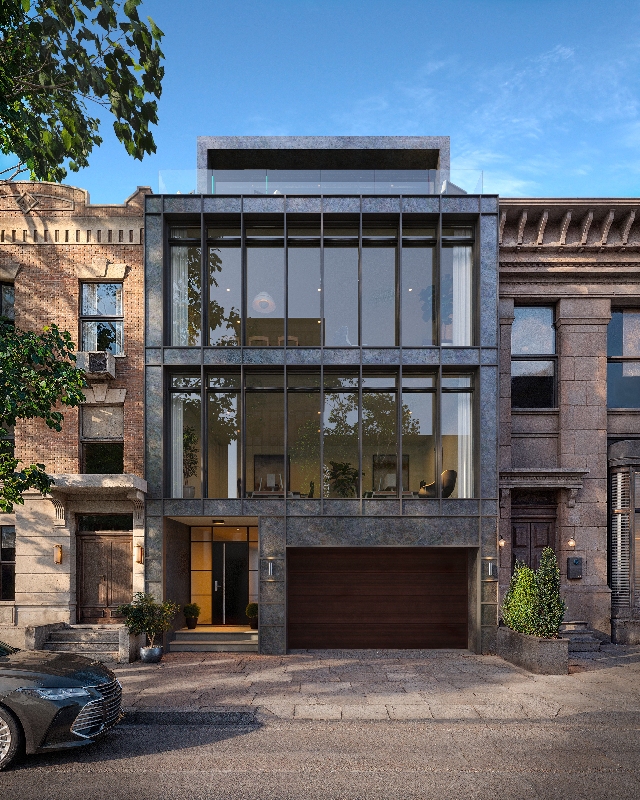
Exterior Renderings
Exterior visuals help buyers understand:
- architectural style
- facade materials
- landscaping and context
- site circulation and massing
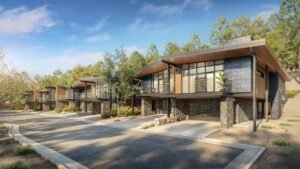
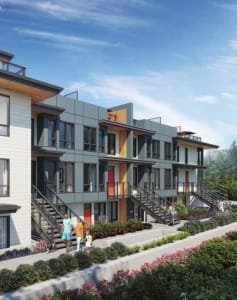
Townhouse projects often require:
- street-level views
- angled cluster perspectives
- rear elevation views
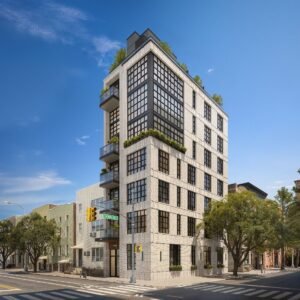
Condos may also require:
- amenity deck views
- courtyard views
- lobby facade views
These are used across websites, brochures, listing platforms, and sales centers.
Explore our 3D exterior rendering services for examples.
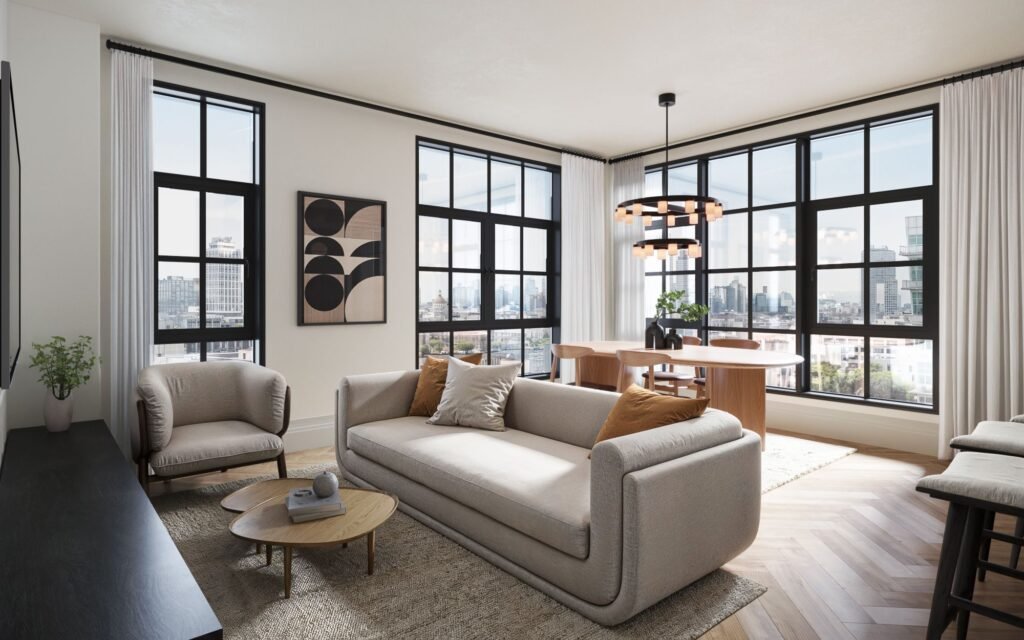
Interior Renderings for Unit Types
Interior renderings help buyers imagine living in the space.
Common views include:
- main living areas
- kitchens
- primary bedrooms
- bathrooms
- optional upgrade finishes
These visuals answer a core buyer question: “What will this feel like to live in?”
See our 3D interior design rendering services for unit examples.
Amenity Renderings
Amenities influence many buyers’ decisions. Key amenity visuals include:
- lobby spaces
- fitness centers
- rooftop decks
- coworking lounges
- community areas
Strong amenity visuals reinforce the lifestyle promise of your development.
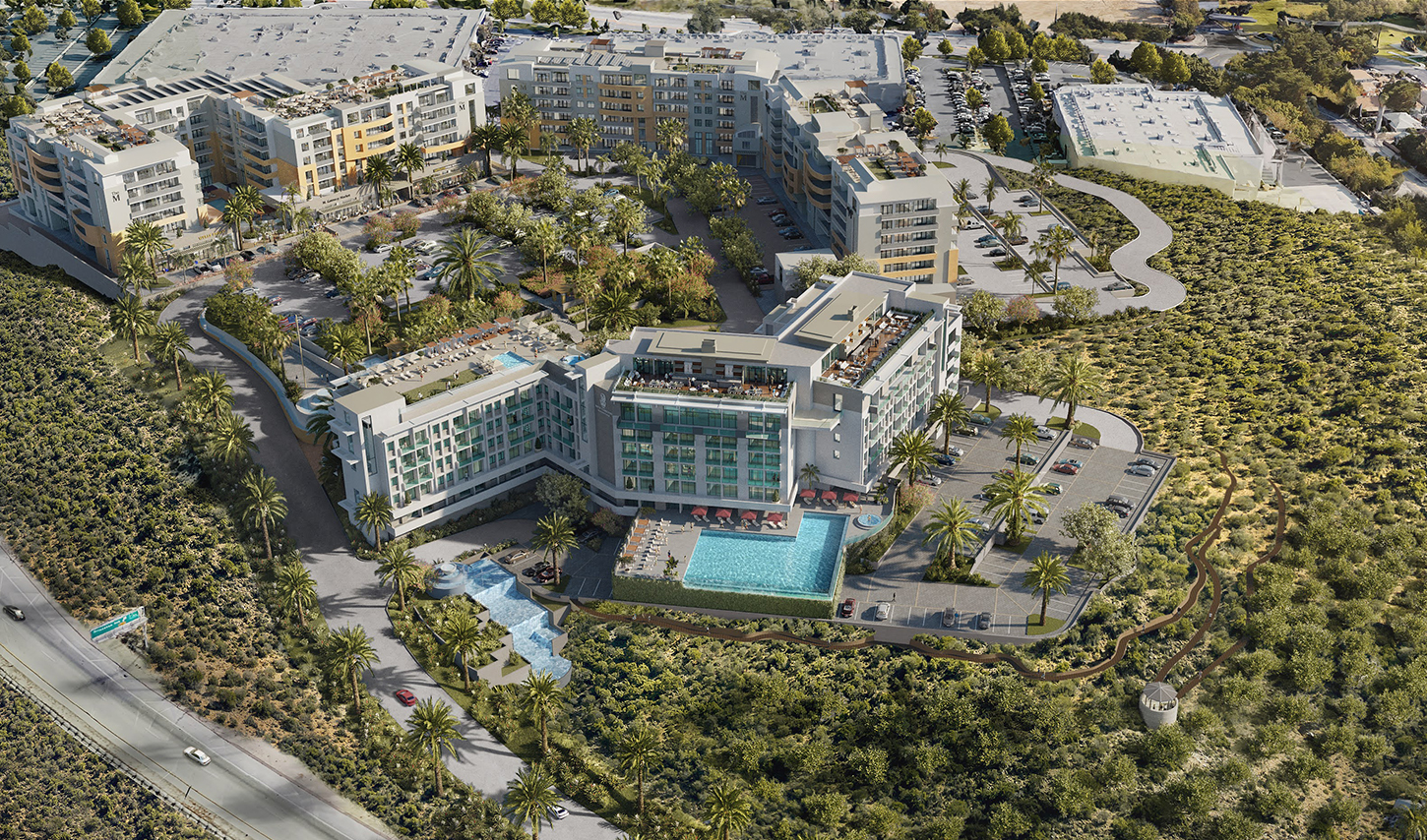
Aerial & Context Renderings
Aerial and context visuals help buyers see how the project relates to its environment.
They illustrate:
- project scale
- neighborhood connections
- landscape features
- nearby destinations
These images help position the development within its larger setting.
Floor Plans & Layouts
Clear floor plans are essential for brochures and listings.
Typical floor plan visuals include:
- unit floor plans
- building floor plates
- stacked plans
- site and circulation diagrams
These help buyers compare options and understand space relationships.
3D Animations
3D animations bring spaces to life.
Animations can show:
- community overviews
- pathways and circulation
- amenity experiences
- dynamic walkthroughs
Animations improve engagement, deepen understanding, and reduce buyer friction.
Visit our 3D architectural animation services to see examples.
VR Tours & Interactive Walk-Throughs
Virtual reality is becoming a powerful sales tool.
VR tours let buyers:
- explore multiple unit types
- understand scale, orientation, and light
- compare finishes and layout options
VR helps remote buyers evaluate plans before construction.
Learn more about How Developers Use VR to Accelerate Sales & Approval in our VR guide.
Sales Landing Pages
A dedicated landing page centralizes all visual assets:
- renderings
- animations
- floor plans
- community context
- registration or contact form
This page becomes the anchor for all digital campaigns and lead capture.
How Developers Structure a Rendering Package

Visualization packages are typically divided into three categories:
1. Community-Level Visuals
These show the development as a whole:
- exterior hero images
- angled site views
- amenity visuals
- aerial/context renderings
These help position the community’s identity and environment.
2. Unit-Level Visuals
These show the individual units and interior experiences:
- unit interior renderings
- kitchens and living spaces
- primary bedrooms
- bathrooms
- optional upgrades
These visuals help buyers compare and decide.
3. Sales & Marketing Assets
These support the sales process:
- floor plans
- stacked plans
- brochure graphics
- social media assets
- email marketing images
These assets are reused across platforms and campaigns.
A Realistic Workflow for Multi-Unit Visualization Packages

Developers often follow a structured process:
Step 1 — Kickoff & File Review
Developers share architectural drawings, finishes, site plans, and unit mix.
Step 2 — Exterior & Amenity Visualization
These help anchor the project visually and set the tone.
Step 3 — Unit Interior Visualization
Focus on finishes, lighting, and spatial storytelling.
Step 4 — Floor Plans & Site Plan Production
Prepare clean plans for sales materials.
Step 5 — Optional Animation / VR Production
Develop dynamic walkthroughs and interactive experiences.
Step 6 — Landing Page Preparation
Integrate assets into a central sales experience.
Step 7 — Final Delivery of Sales Materials
Provide web, print, and social-ready formats.
Developer Pre-Sales Examples (How Visuals Accelerate Real Projects)

Pricing varies based on:
- number of unit types
- number of required renderings
- architectural complexity
- size of amenity package
- inclusion of animation or VR
- revision count
- delivery timelines
Townhouses might involve fewer unit types with more exterior angles.
Condos often require more interior layouts and amenity views.
This structure explains how pricing works without referencing specific amounts.
The Most Common Challenges Developers Face
These issues commonly slow down sales:
- Inconsistent visual coverage
Some units or views are missing, creating gaps in the presentation. - Outdated floor plans
Plans that lag behind renderings confuse buyers. - Missing amenity visuals
Shared spaces often drive interest but are underrepresented early. - Insufficient digital materials
A landing page without complete visuals limits lead generation. - Non-optimized visuals across platforms
Images need to work on web, print, MLS, and social. - Lack of emotional storytelling
Buyers respond to context and lifestyle, not just technical imagery.
Conclusion: Why a Structured Package Matters
A well-organized townhouse or condo visualization package gives developers a complete set of materials to support every phase of pre-construction sales. From exteriors and interiors to floor plans, amenities, animations, VR, and landing pages, a structured toolkit helps developers:
- communicate clearly
- build trust
- maintain consistent presentation
- align design, marketing, and sales
- deliver a professional experience that matches buyer expectations
For detailed services, explore our full range here: Services.
Our portfolio shows real project examples and creative outcomes — see it here: Portfolio.
Conclusion — Pre-Sales Succeed When Developers Control the Vision Early
In 2026, real estate development moves fast—and buyers move even faster.
Developers who rely on high-quality visualization gain earlier deposits, stronger lender confidence, and far less project risk.
Renderings, animations, VR, and strong landing pages aren’t just marketing tools.
They’re the backbone of pre-sale real estate development.
They help you:
- sell earlier
- validate demand
- reduce objections
- streamline approvals
- strengthen investor interest
- improve the entire development lifecycle
The Developer Pre-Sales Toolkit exists to do one thing:
turn a future building into a product buyers and investors trust—before construction begins.
If your next development needs early momentum, clarity, or investor-grade visuals, our team can help you launch with confidence.
FAQs
Condo rendering is the process of creating photorealistic 3D visuals that show how a condominium development will look before it is built. These visuals typically include exterior views, interior unit renderings, amenity spaces, and contextual imagery to help buyers, investors, and stakeholders understand the project clearly.
Townhouse renderings usually focus on street presence, individual entrances, and clustered building relationships.
Condo renderings often place more emphasis on amenities, shared spaces, interior layouts, and vertical circulation.
Both require different visualization strategies depending on scale and buyer expectations.
Pre-construction buyers cannot see a finished building.
3D renderings bridge that gap by allowing buyers to visualize layouts, finishes, lighting, and lifestyle before construction begins. This reduces uncertainty and supports earlier sales decisions.
Most packages include:
- exterior renderings
- interior renderings for key unit types
- amenity renderings
- aerial or context views
floor plans
Optional additions often include animations, VR tours, and landing-page visuals.
Not always.
Developers typically select representative unit types that cover the majority of buyer decisions. The goal is clarity and comparison, not visualizing every single variation.
Animations show flow, movement, and spatial relationships, while VR allows buyers to explore units at their own pace. Both tools help buyers understand scale and layout faster than static images alone, especially when comparing multiple units or floors.
No.
They are also used for design coordination, stakeholder communication, approvals, and internal decision-making. In many projects, renderings help align architects, developers, and sales teams before launch.
Ideally during early design development.
Planning visualization early ensures that renderings, floor plans, animations, and digital assets are ready in time for listings, pre-sales campaigns, and launch milestones.
Work With NoTriangle Studio
We partner with developers across the U.S. and internationally to create visuals that support:
- investor pitches
- zoning and approvals
- pre-sales launches
- digital marketing campaigns
- broker enablement
- lender presentations
Our Core Services:
- 3D Exterior Rendering
- Townhouse Rendering Packages
- Architectural Animation
- VR Walkthroughs for Real Estate
- Full Developer Visualization Roadmaps
Ready to accelerate your next development?
Let’s build your pre-sales strategy together.